
Only available for Google Chrome.
Searching the web for a simple answer to my query turned up not much in the way of helpful answers. After a lot of sifting through pages, I decided to work out a solution myself.
First, you will need the Chrome extention GooNow - Voice Search by André Freitas, available here.

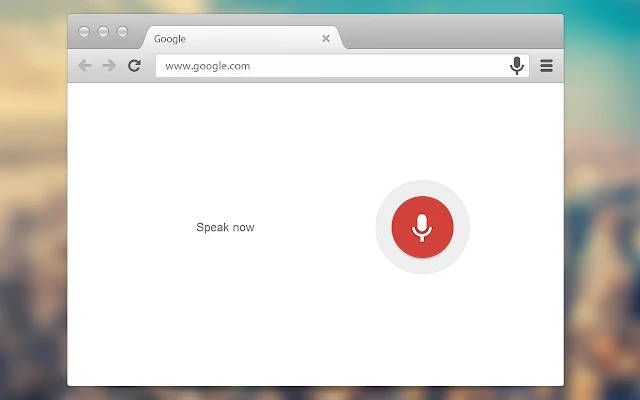
This adds a small microphone icon to the address bar, and also ads in the shortcut key combo of ctrl+m to launch voice search, but these is not the hotkeys we will use as it only works when chrome is in focus.
Next thing you need is this program I put together using AutoHotkey and a modified version of this script by deanhill1971.
Once downloaded, place googlevoice.exe anywhere you like (mine is in a utilities folder in Documents) and run it. Also make a shortcut in your startup folder, and that's it!
You can now open voice search ready to listen by pushing win + g. It will switch to chrome if open, or run it if not, and open a new tab ready to listen.
You can also use Windows speech recognition to launch it. ✌
The author of this article does NOT claim ownership of anything in this article, and am not responsible for any undesired consequences from following this guide, do so at your own risk. All credit, trademark and copywright to respective owners.
